Social Listening CLI for AI Agents: Automate 7 Platforms
Give your AI agents social listening superpowers. The Trigify CLI monitors LinkedIn, X, Reddit, YouTube and more from the terminal. Install in 60 seconds.

Four weeks ago we launched the Trigify MCP. Today we are going further: the Trigify CLI and Trigify Skills are live.
One install. Full programmatic control of your social listening, workflows, enrichment, and engagement across 7 platforms, all from the terminal. Whether you are building AI agents, automating GTM motions, or just want a faster way to manage Trigify, the CLI is your new command center.
What Is the Trigify CLI?
The Trigify CLI is a command-line interface that gives you (and your AI agents) direct access to every core Trigify capability:
- Search Management: Create, list, update, and delete social listening searches across LinkedIn, X/Twitter, Reddit, YouTube, podcasts, and Instagram
- Workflow Automation: Build, test, publish, and execute workflows programmatically from local JSON files
- Social Actions: Post, reply, like, repost, follow, and DM on X/Twitter directly from the terminal
- Profile Enrichment: Enrich LinkedIn profiles and companies with job titles, emails, and firmographic data
- Integration Management: Check connected tools, verify health, and pull field mappings for CRM, Slack, Notion, and more
- Credits and Usage: Monitor your credit balance and usage breakdown in real time
Every command returns clean JSON, making it easy to pipe into scripts, CI/CD pipelines, or AI agent frameworks.
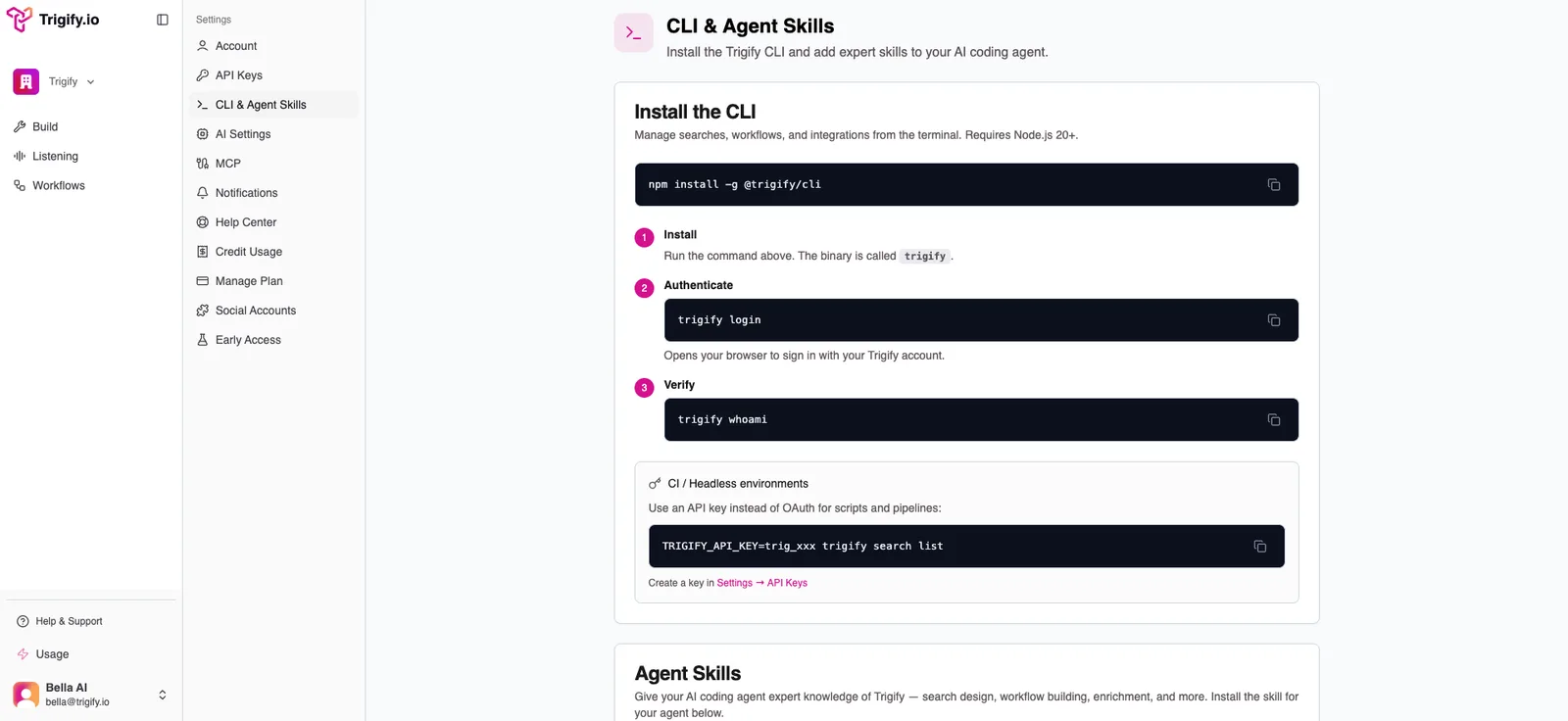
Inside Settings, the CLI & Agent Skills page gives users the install command and setup flow in one place.
Why CLI Over MCP?
If you have used the Trigify MCP, you know it works well for short sessions with a few tools. But there is a scaling problem: context bloat.
Every MCP connection injects reference data, examples, and schema definitions into your agent's context window. Connect 2-3 tools and it is manageable. Connect 10 and your agent drowns in context before it starts working. You may even hit session limits that force you to restart or disable tools.
The CLI solves this cleanly:
- No context injection: Commands execute directly without loading tool definitions into the agent's memory
- Longer sessions: Your agent maintains quality over extended conversations because its context stays clean
- More tools at once: Connect the CLI alongside other tools without worrying about bloat
- Skills for structured context: Instead of injecting everything upfront, Skills give your agent the right context only when it needs it
Think of it this way: MCP is great for quick, interactive work. The CLI is built for agents that need to run autonomously over longer periods with multiple tools connected.
What Are Trigify Skills?
Skills are structured instruction files that teach your AI agent how to use Trigify effectively. They cover two critical areas:
Search Design: How to build effective Boolean queries, choose between keyword and profile monitoring, structure multi-search strategies, and avoid common mistakes like overly broad keywords.
Workflow Building: How to select the right trigger type, chain enrichment and AI nodes efficiently, save credits by filtering before enriching, and test workflows with real data (never fabricated posts).
Instead of your agent guessing how to use the API, Skills give it battle-tested patterns and decision trees. The result: better searches, smarter workflows, and fewer wasted credits.
Install the skills into your agent's skill directory and they load automatically when relevant tasks come up.
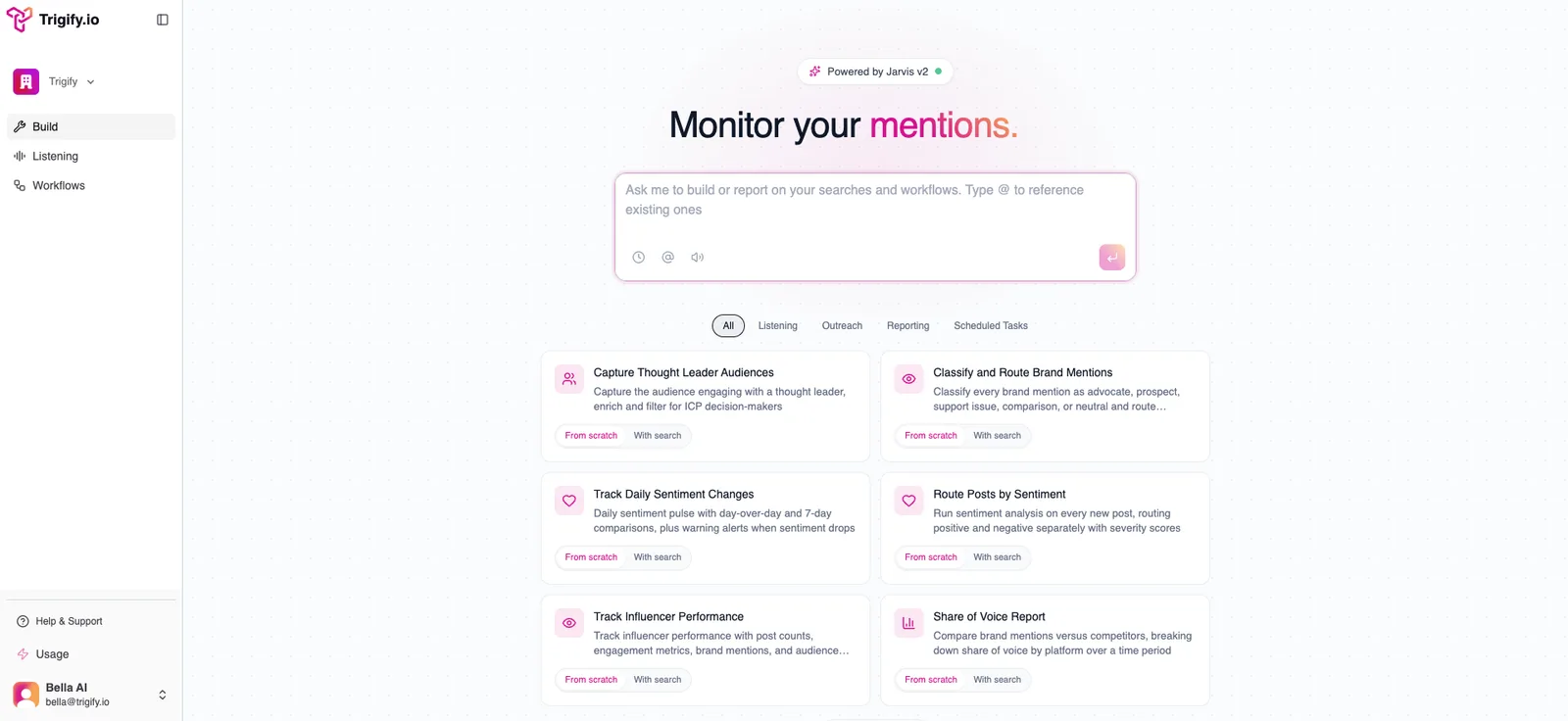
The CLI is backed by the same Trigify workspace teams already use to build monitors, workflows, and reporting automations.
Get Started in 60 Seconds
The CLI requires Node.js 20+ and installs via npm:
Step 1: Install
npm install -g @trigify/cli
Step 2: Authenticate
trigify login
This opens your browser to sign in with your Trigify account.
Step 3: Verify
trigify whoami
That is it. You are connected.
If you prefer to grab the install details from inside the app, go to Settings → CLI & Agent Skills. That page gives users the exact install command, the authentication steps, and the agent setup guidance in one place.
For CI/CD and headless environments, use an API key instead:
TRIGIFY_API_KEY=trig_xxx trigify search list
Create your API key in Settings → API Keys inside the Trigify app.
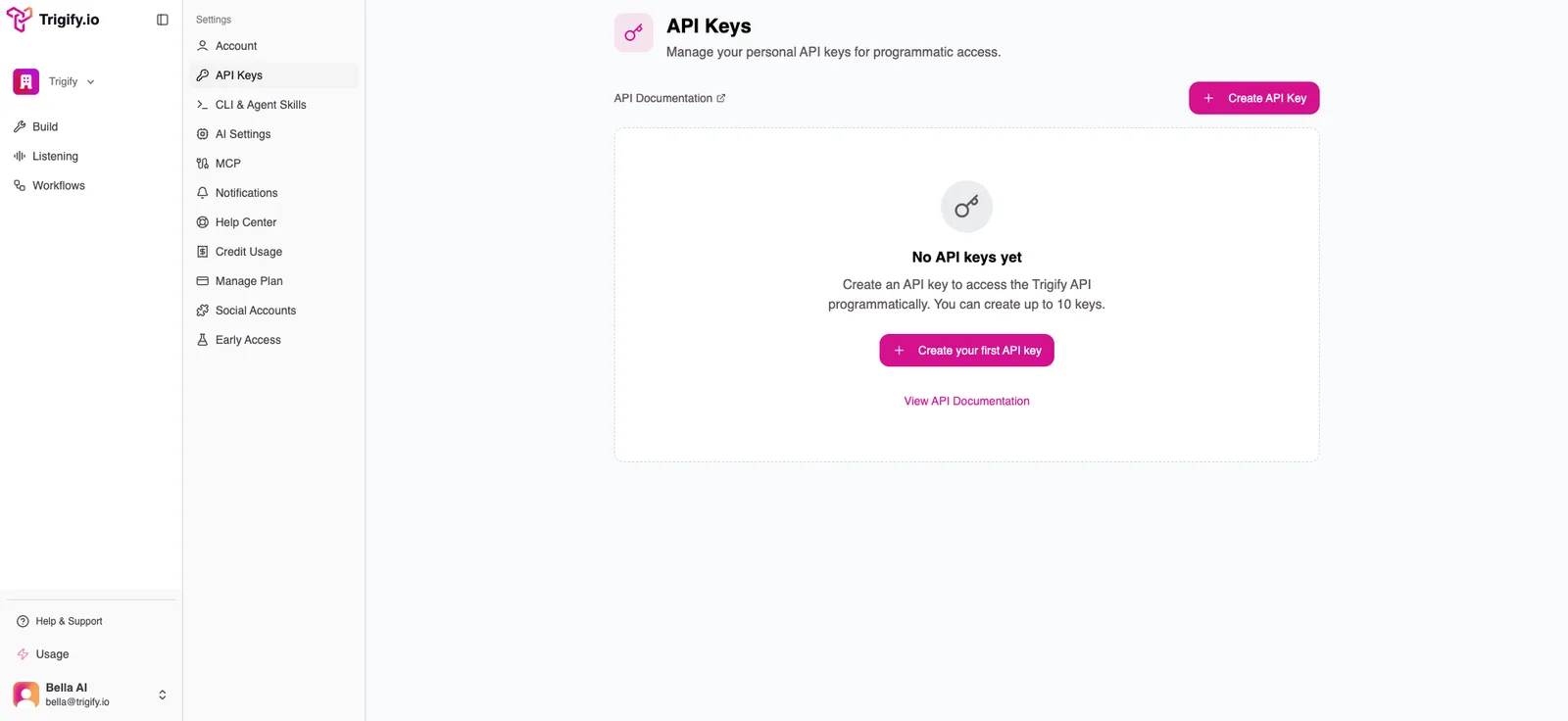
For headless workflows and CI environments, users can generate API keys directly from Settings → API Keys.
Use Cases: What Can You Build?
The CLI unlocks a new category of automation. Here are some of the patterns teams are building:
Automated Competitor Monitoring
Set up searches tracking competitor mentions across LinkedIn and X. Attach a workflow that enriches engagers, checks if they match your ICP, and routes qualified leads to your CRM automatically. Your agent manages the entire loop from the terminal.
Content Loop Strategy
Monitor trending topics in your niche with social listening. Feed signals into an AI agent that drafts content ideas. Post directly to X via the CLI's social actions. Track engagement on those posts. Rinse and repeat, all programmatically.
Brand Monitoring with Sentiment Routing
Create a brand mention search, attach a workflow with sentiment analysis, and route positive mentions to your #wins Slack channel while negative mentions trigger alerts in #urgent. The CLI lets your agent set this up end-to-end without touching the UI.
Signal-Based Outreach
Monitor pain-point keywords your ICP talks about. When someone posts about a problem your product solves, enrich their profile, check ICP fit, find their email, and push them into your outreach sequence. The workflow handles qualification, the CLI handles orchestration.
Weekly Executive Briefings
Schedule a workflow that fetches the last 7 days of search results, runs them through an AI summarizer, and sends a digest to your leadership team via Slack or email every Monday morning.
What Endpoints Are Available?
The CLI covers the full Trigify API surface:
- Searches: Create, list, get, update, delete, and pull results with date filtering
- Workflows: Create from JSON, list, get, update, delete, test, and review executions
- Enrichment: Person enrichment (LinkedIn data, email) and company enrichment (firmographics)
- X/Twitter Actions: Create posts, reply, like, repost, follow, send DMs, look up users
- Integrations: List connected services, health checks, CRM field mappings, Slack channels, Notion databases
- Jarvis AI: Start conversations, send messages, and check task completion for natural language workflow building
- Credits: Balance checks, usage breakdown, per-feature analytics
- Profile Tracking: Bulk track and untrack LinkedIn/Twitter profiles
CLI + Skills: Better Together
The CLI gives your agent the ability to act. Skills give it the knowledge to act well.
Without Skills, an agent might create a search with overly broad keywords, build a workflow that enriches every post (burning credits), or test with fabricated data that produces meaningless results.
With Skills, the same agent knows to:
- Use 2-3 focused OR keywords with AND context terms
- Split complex monitoring into multiple searches feeding one workflow
- Filter before enriching to save credits
- Always test with real posts from the attached search
- Default to Claude Sonnet for AI agent nodes
The combination is what makes this powerful. Your AI agent gets both the tools and the expertise.
Get Started
Everything you need to get up and running:
- Full CLI documentation: in the app under Settings → CLI & Agent Skills
- Create your account: app.trigify.io
- Skills repository: github.com/trigify/skills
You get 250 free credits to start. No credit card required for pay-as-you-go. Install the CLI, connect your account, and give your agents access to 7 social platforms in under a minute.
We are building toward a future where your AI agents handle the full social intelligence loop: listen, analyze, enrich, and act. The CLI is the foundation. This is just the beginning.